01 · Savings rate and cash flow
See what you keep, and where it is heading.
Savings rate is the share of your income you keep after expenses, tracked over the year. Cash flow is your running total of income minus expenses. Two numbers, one screen, so you know if this month was better than the last.
 Trends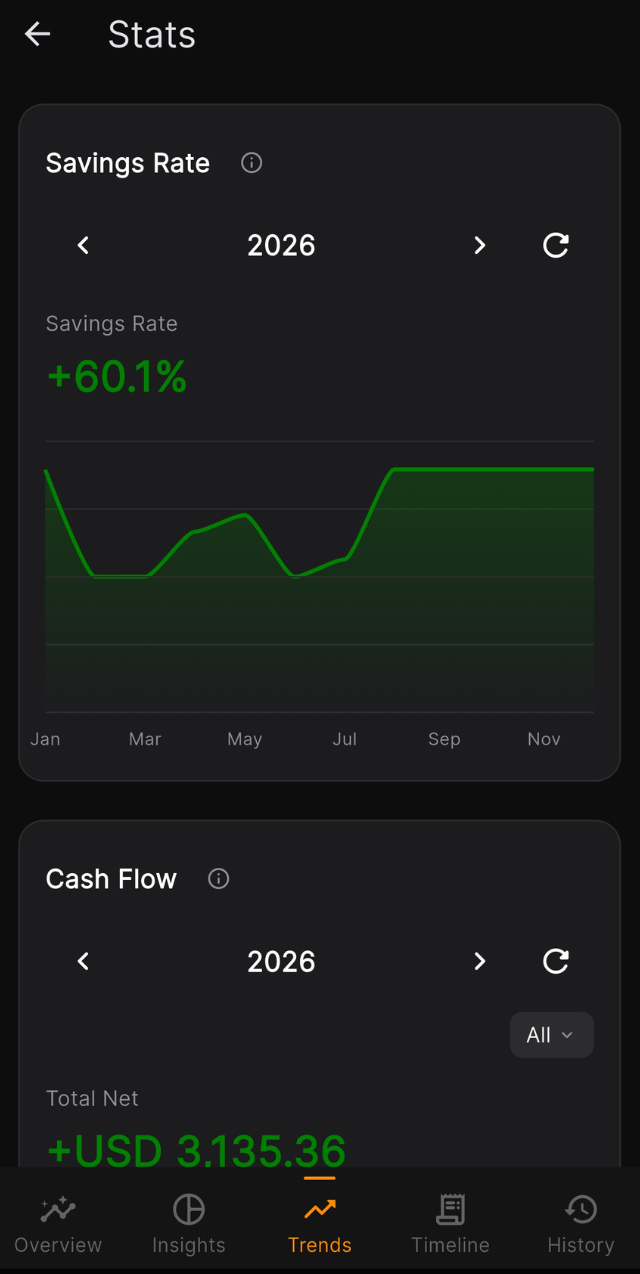
Stats that go five tabs deep.
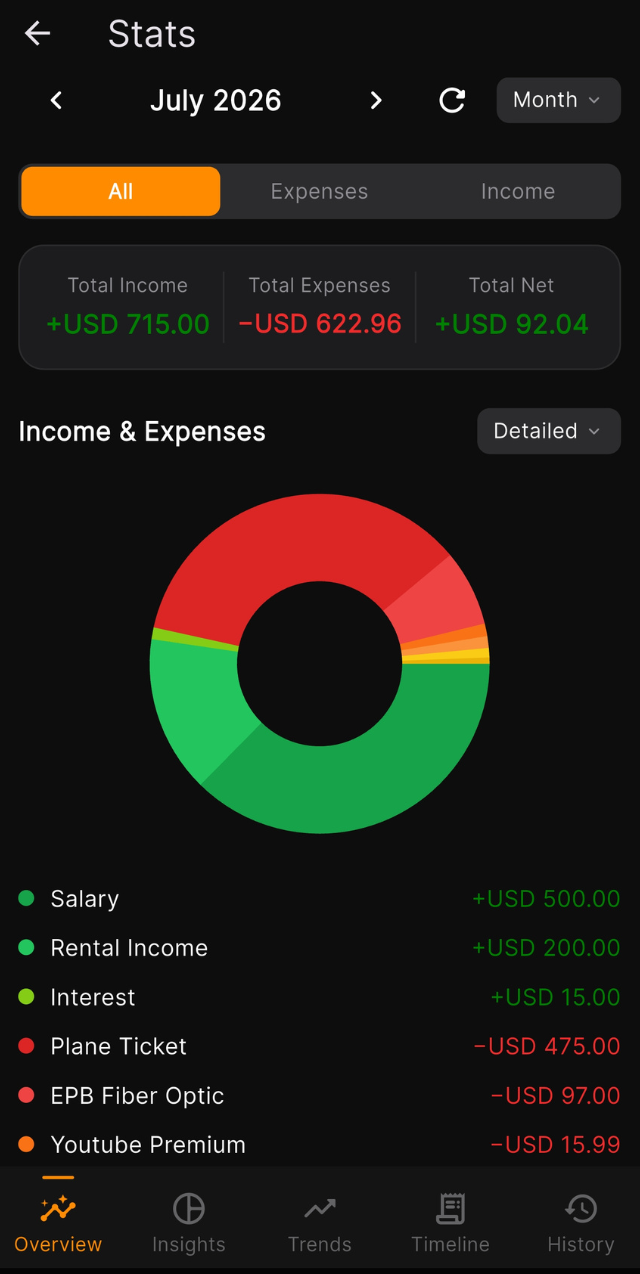
Overview, Insights, Timeline, Trends and History. Break spending down by category, account or item. See every expense as a share of your income, by day, week, month or year.
Stats
A reminder for every bill.
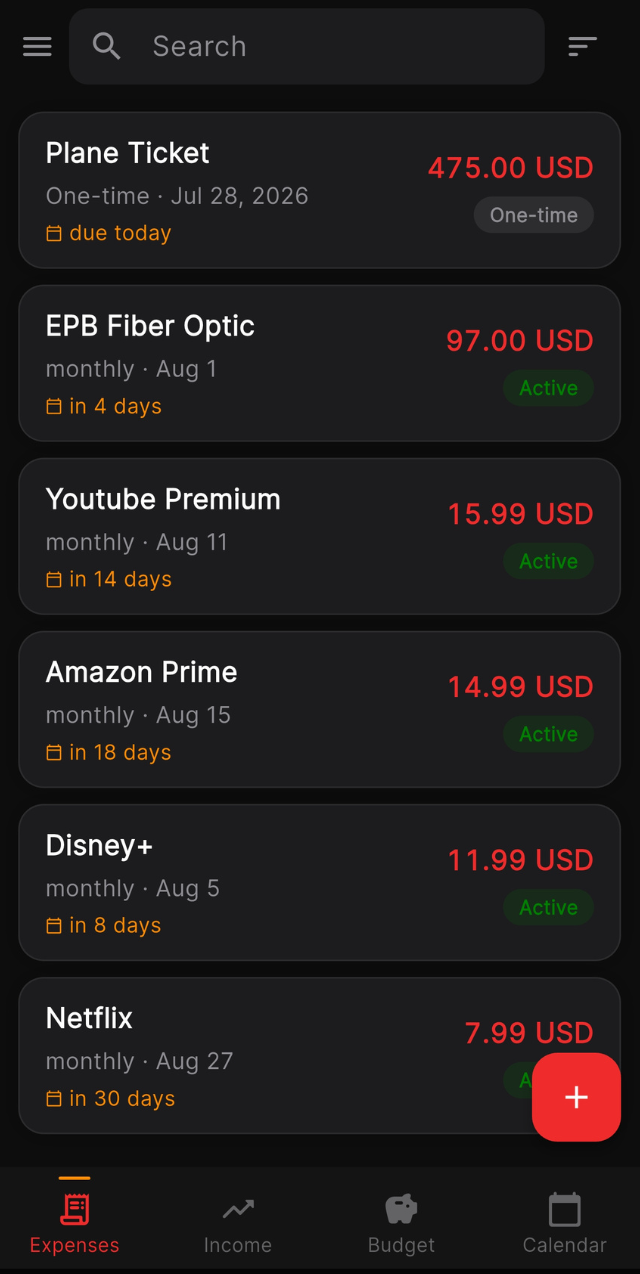
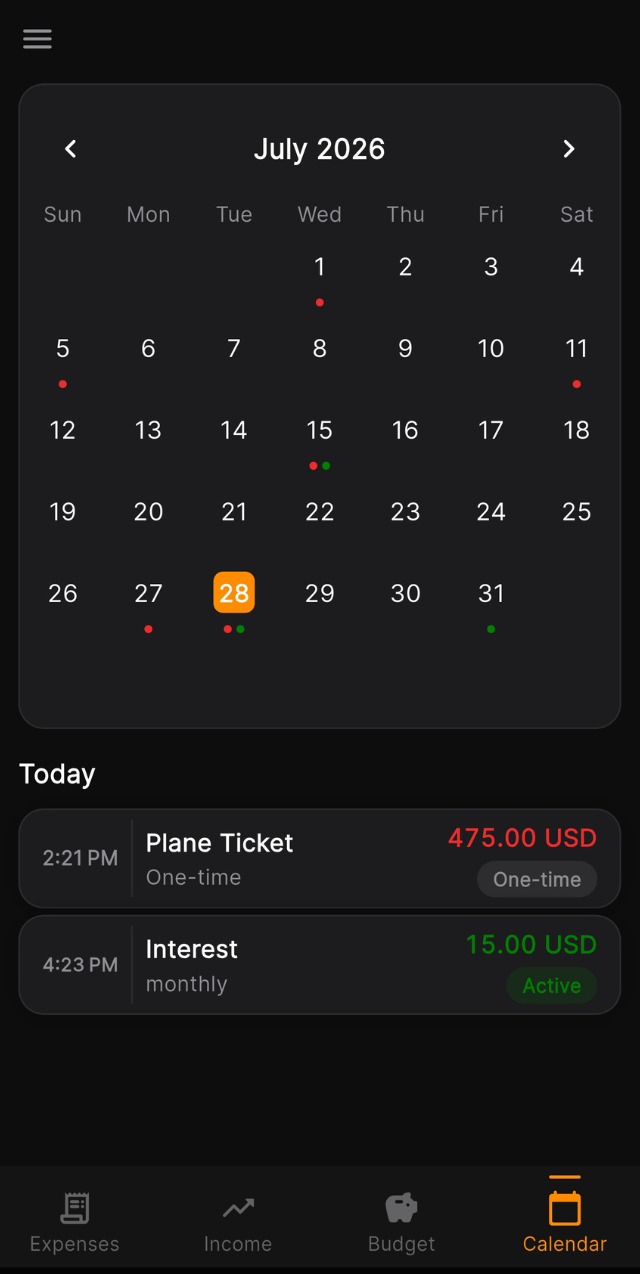
Set a reminder on each expense: an hour, a day, three days or a week before it is due, with your own message. It lands on your lock screen, with no account and no push server involved. The calendar shows everything coming up.
Calendar
Recurring bills, under control.
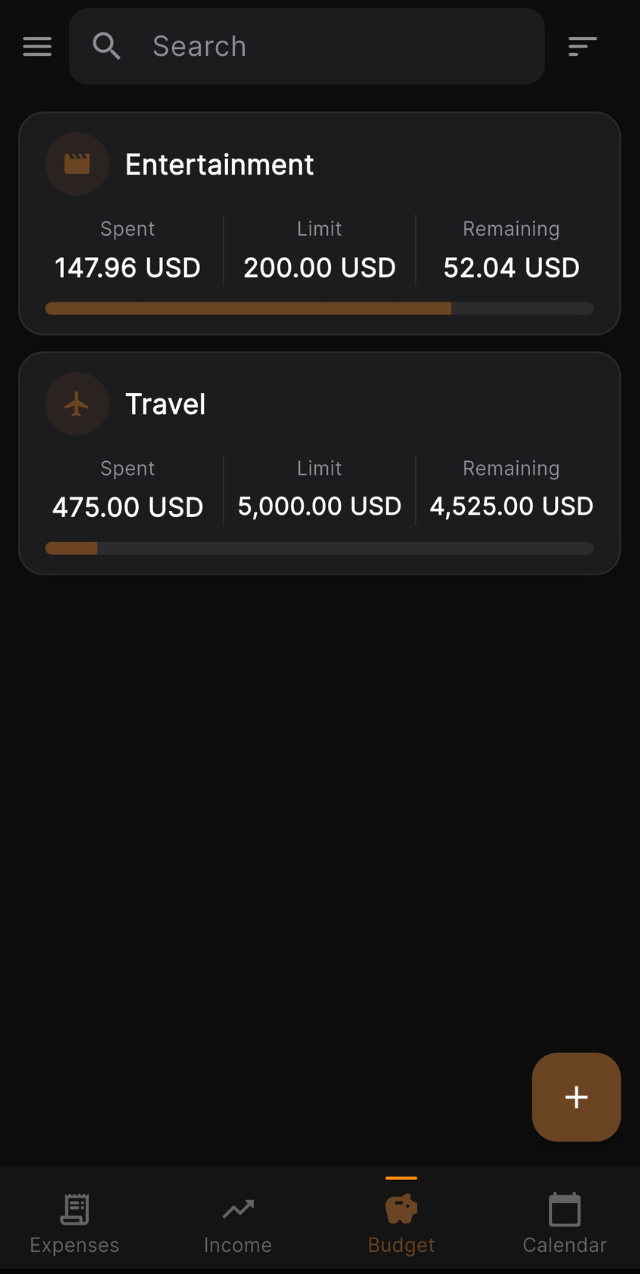
Track subscriptions with their billing cycle, pause or archive them, and set budgets per category or account. EXPN shows spent, remaining and over budget at a glance.
Budgets